top of page


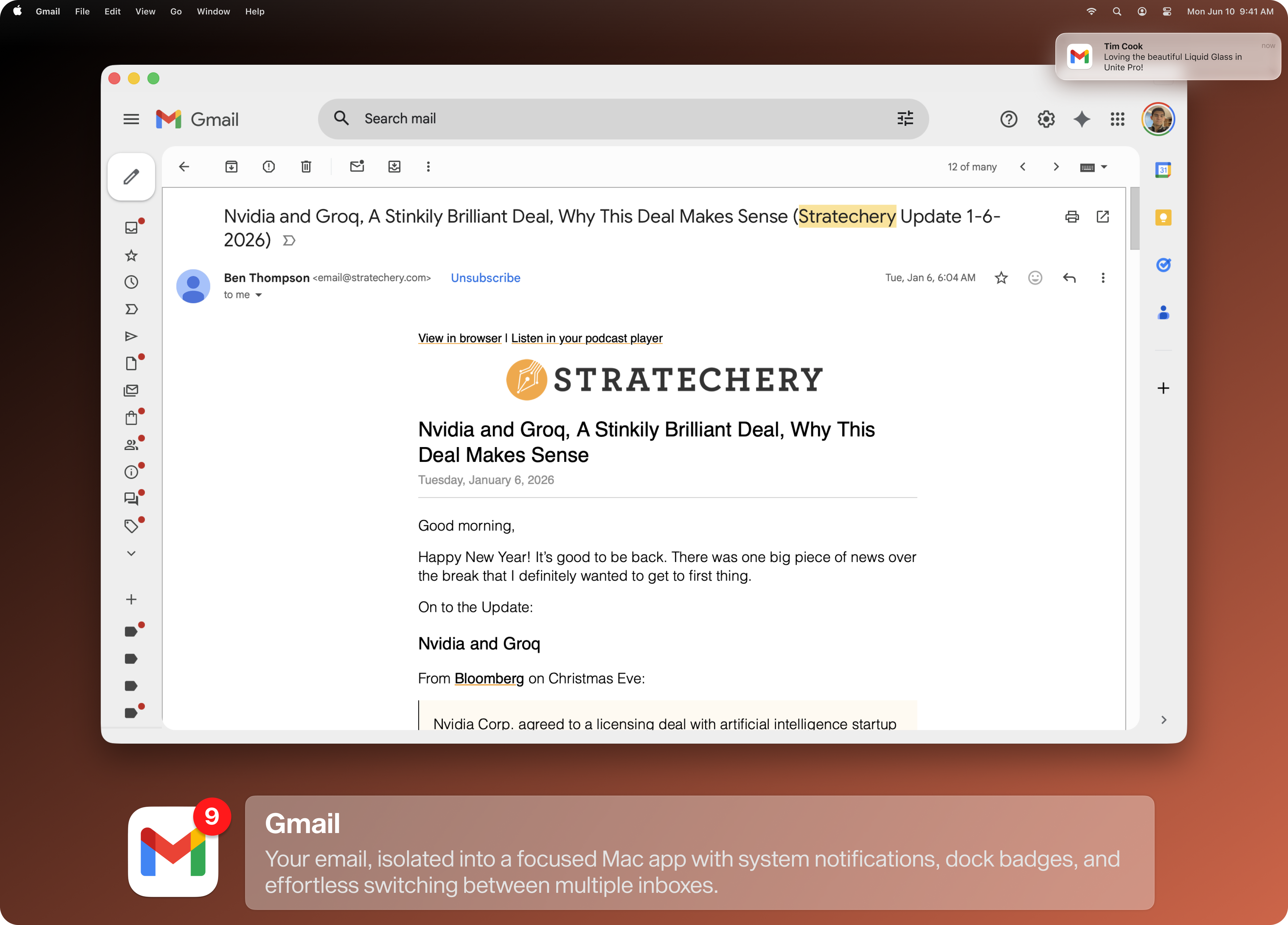
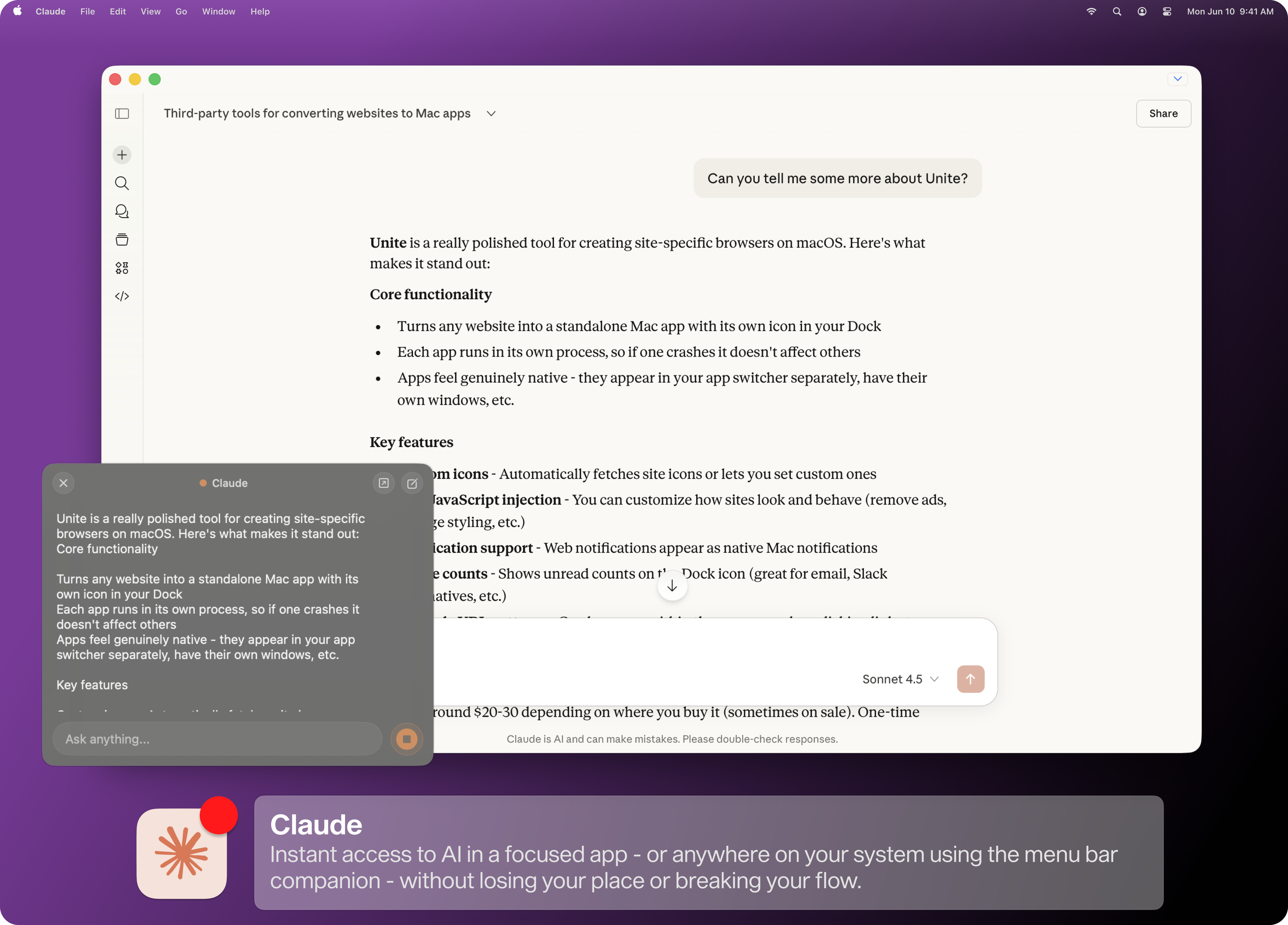
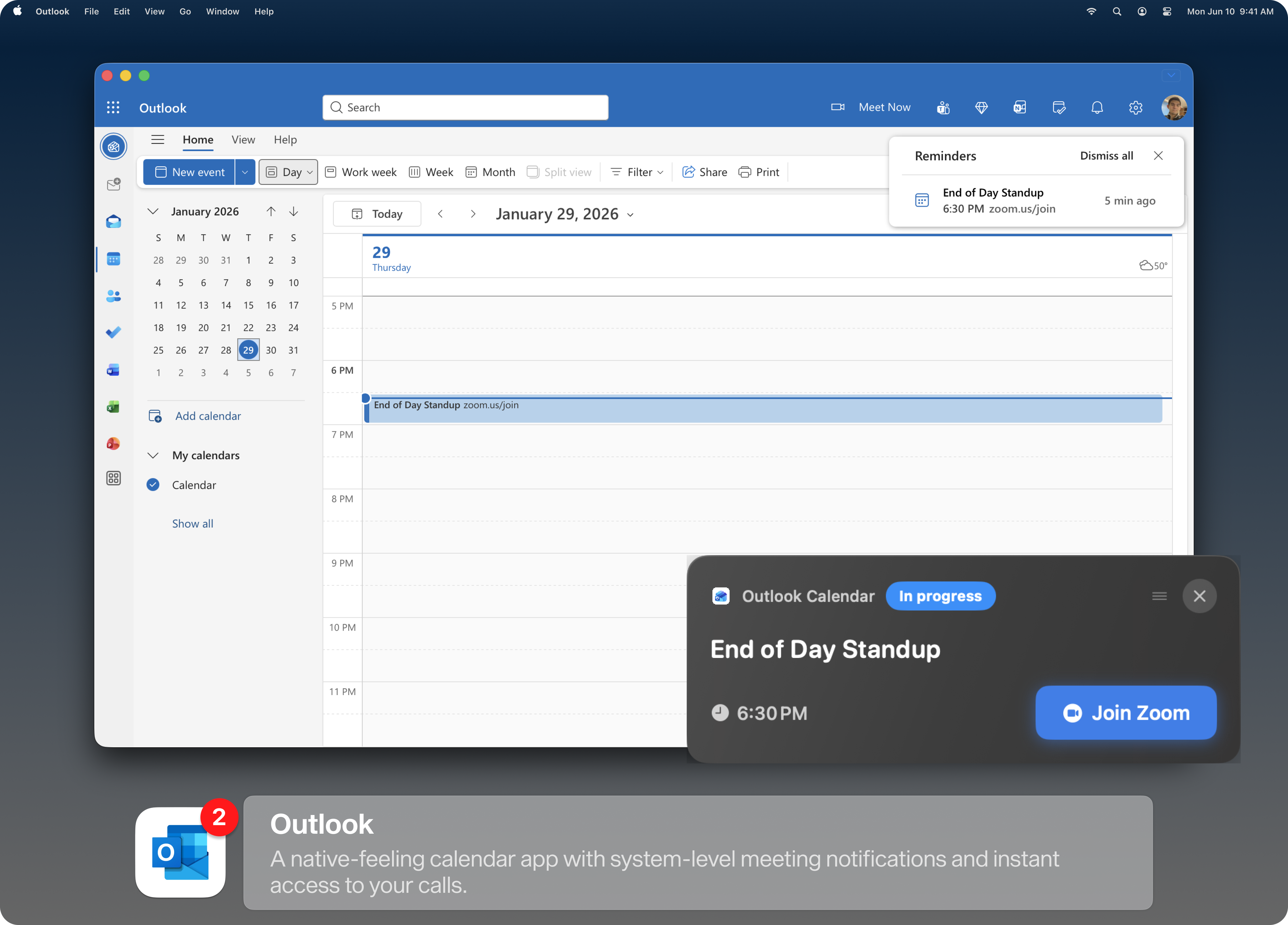
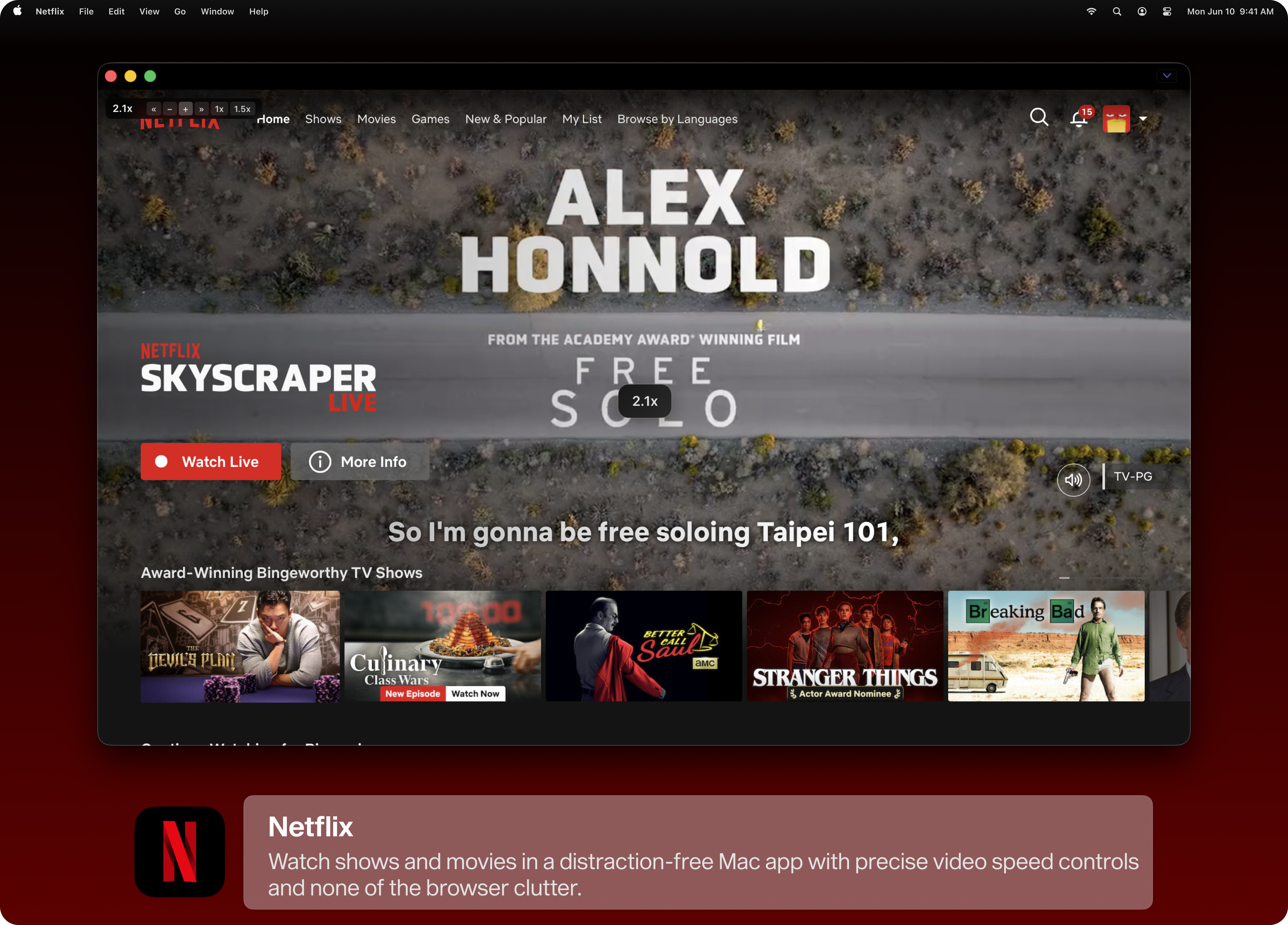
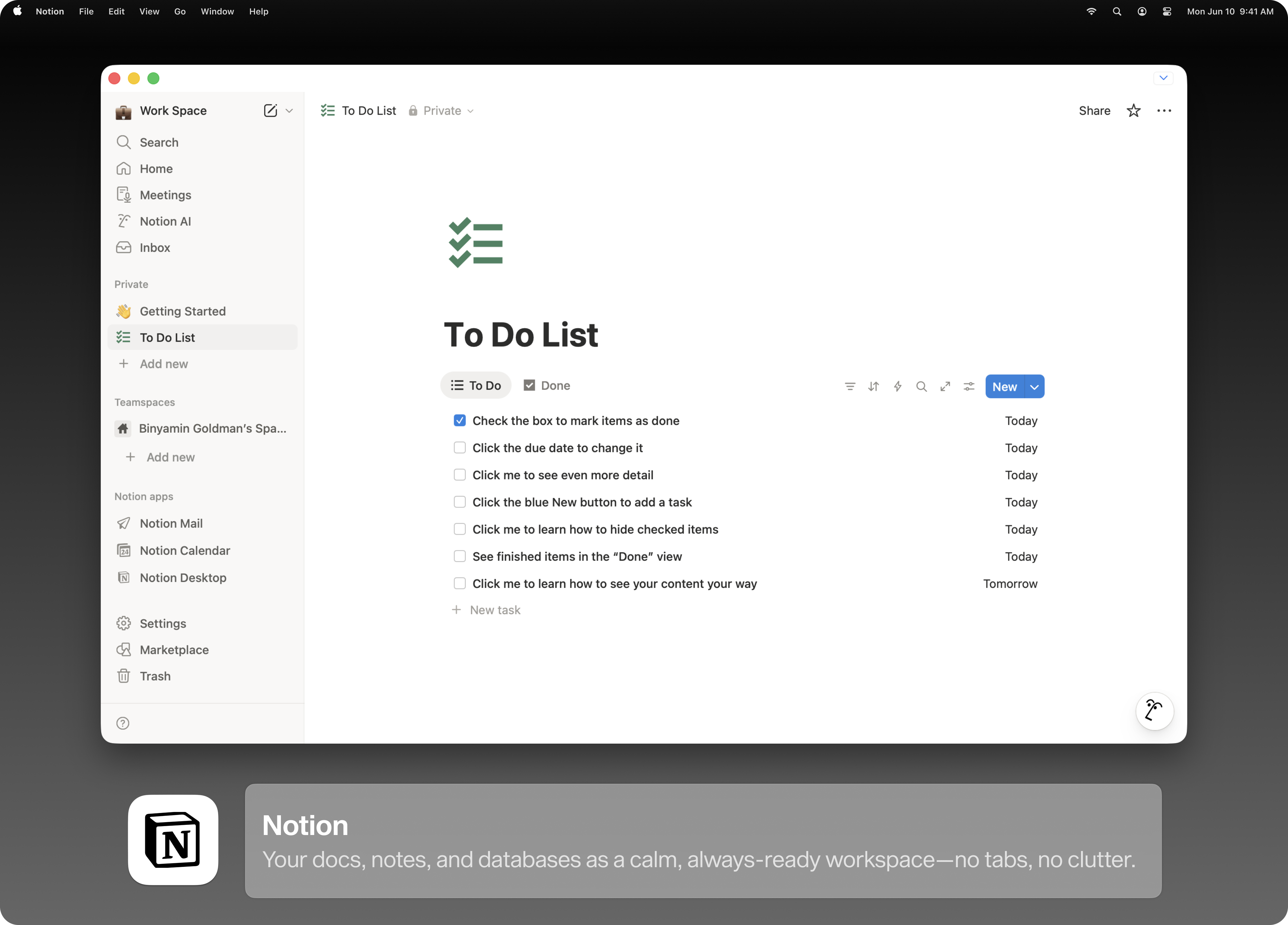
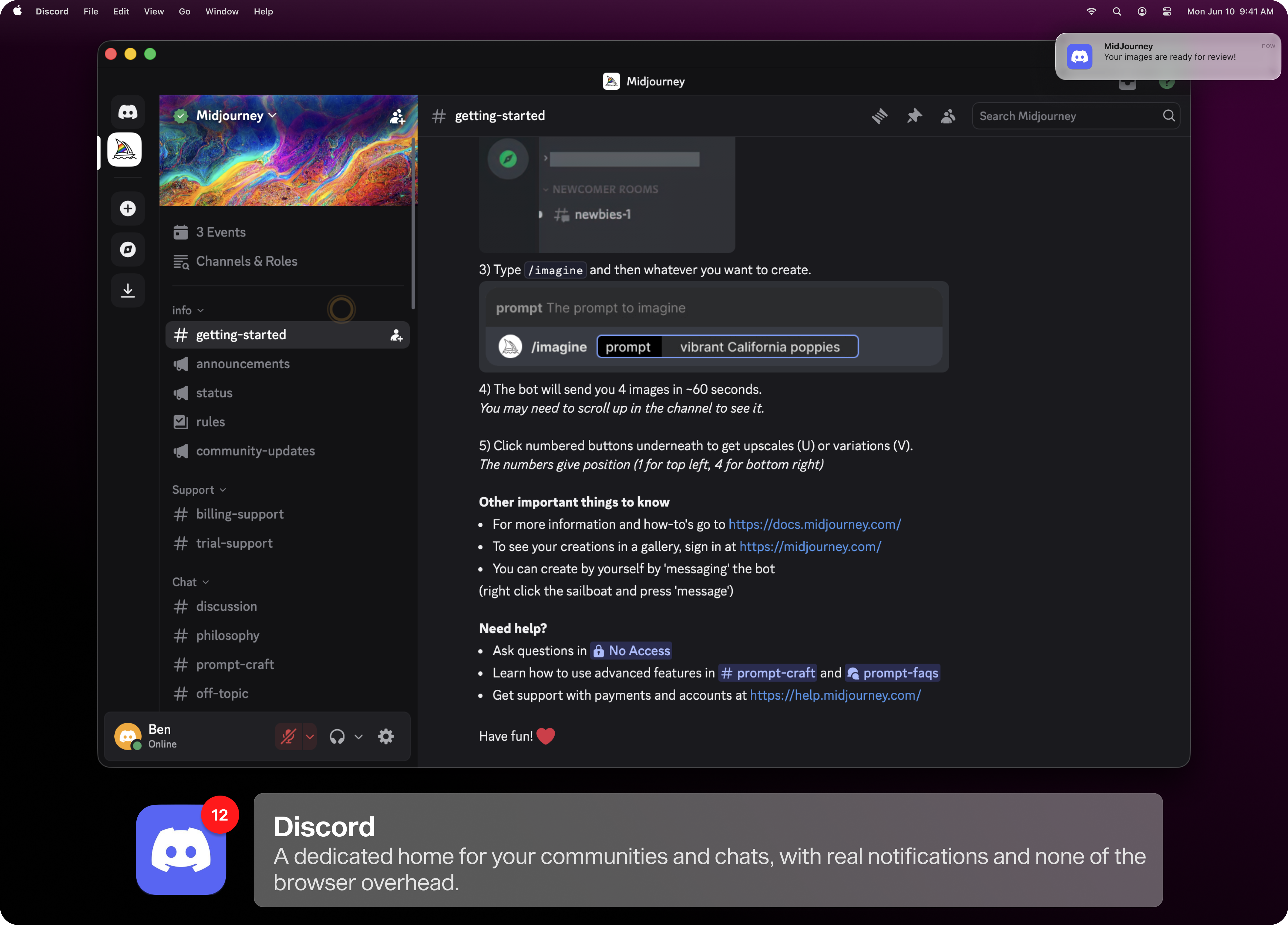
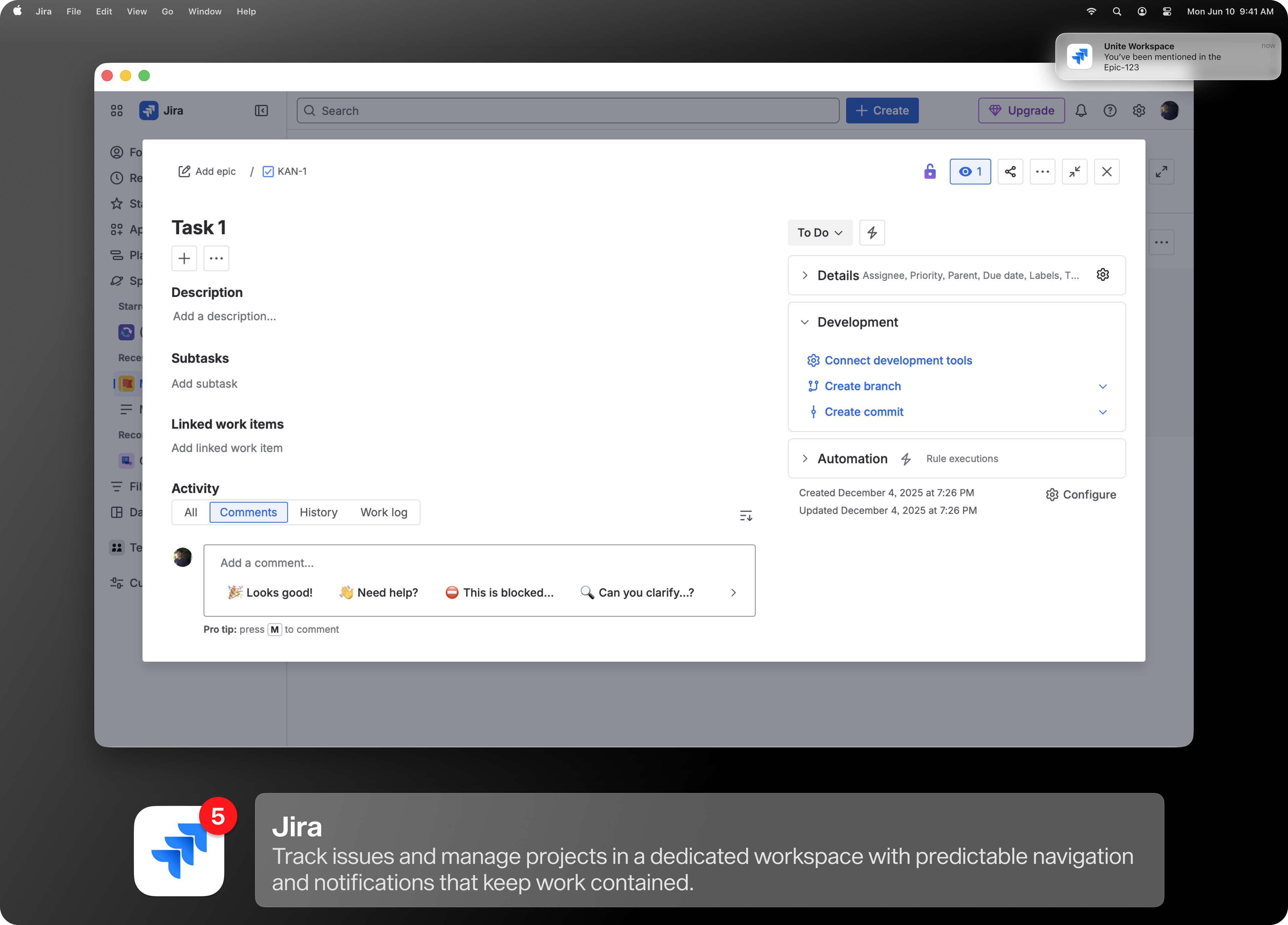
Turn the websites you rely on into focused, customizable Mac apps. Email, chat, planning tools, AI, media - each app runs isolated, stays fast, and integrates with macOS in ways browsers can’t.
No electron, no wrappers, no compromises. Just your favorite tools, behaving like actual Mac apps.
Turn a website into a Mac app in seconds
Unite Pro starts with a completely redesigned creation tool that makes turning a website into a Mac app easy for anyone.
Type a name or paste a URL, and Unite Pro intelligently fills in everything else—app name, icon, URL, and recommended settings—so you can get straight to using your app. Or, dive deeper and configure it.

Beautiful Icons, Every Time

A redesigned icon picker uses high-quality favicons to creates elegant, macOS icons with gradients that blend beautifully with macOS.
Built-In Suggestions
As you create an app, Unite Pro surfaces suggestions for popular services so you can start with settings that already make sense.

Create Once, Then Move Fast
Save your preferred defaults and create multiple apps in seconds, without reconfiguring the same setup every time.

One app.
Three ways to work.
Unite Pro apps aren’t locked into a single layout. Each app can instantly switch between three thoughtfully designed modes - so whether you need focus, quick access, or something in between, your apps adapt for you.

Normal Apps
A clean, distraction-free window that puts your content first. Toolbars stay out of the way until you need them, windows remember their size, and everything feels unmistakably Mac-native.
.png)


Menu Bar Apps
Lightweight and instantly accessible. Menu bar apps give you fast access and controls without occupying space on your desktop. They can even refresh automatically on each reveal.


Sidebar Apps
A redesigned, resizable sidebar experience that keeps your most important tools always within reach—perfect for chat apps, task trackers, or anything you want alongside your main work.


.png)
Make every website work the way you do.
No two workflows are the same - and your apps shouldn’t be either.
Unite Pro gives you precise control over how each app and website looks, behaves, and integrates with your Mac, so your apps adapt to you instead of the other way around.


Make every app look exactly right.
Unite Pro lets you fine-tune how your Unite apps look on macOS, from smart toolbars that appear only when needed to control over title bars, window chrome, and system controls—so your apps stay clean, focused, and visually consistent with the rest of your workspace.


Keep links where they belong.
Unite Pro intelligently routes links from your Unite apps to the right destination—whether that’s another Unite app or any other browser—while automatically handling sign-in flows and giving you clear control over which URLs are forwarded, allowed, or redirected.
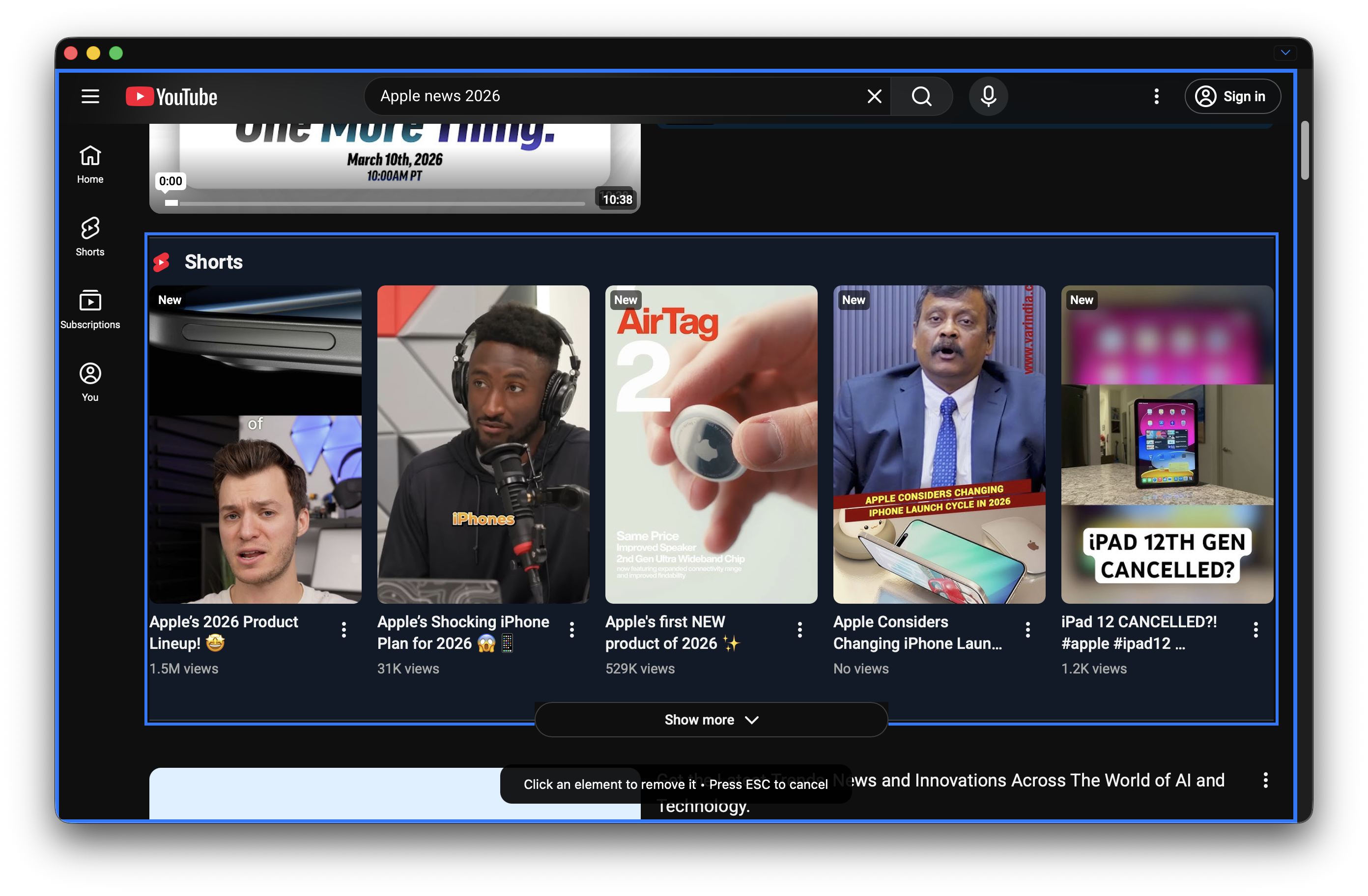
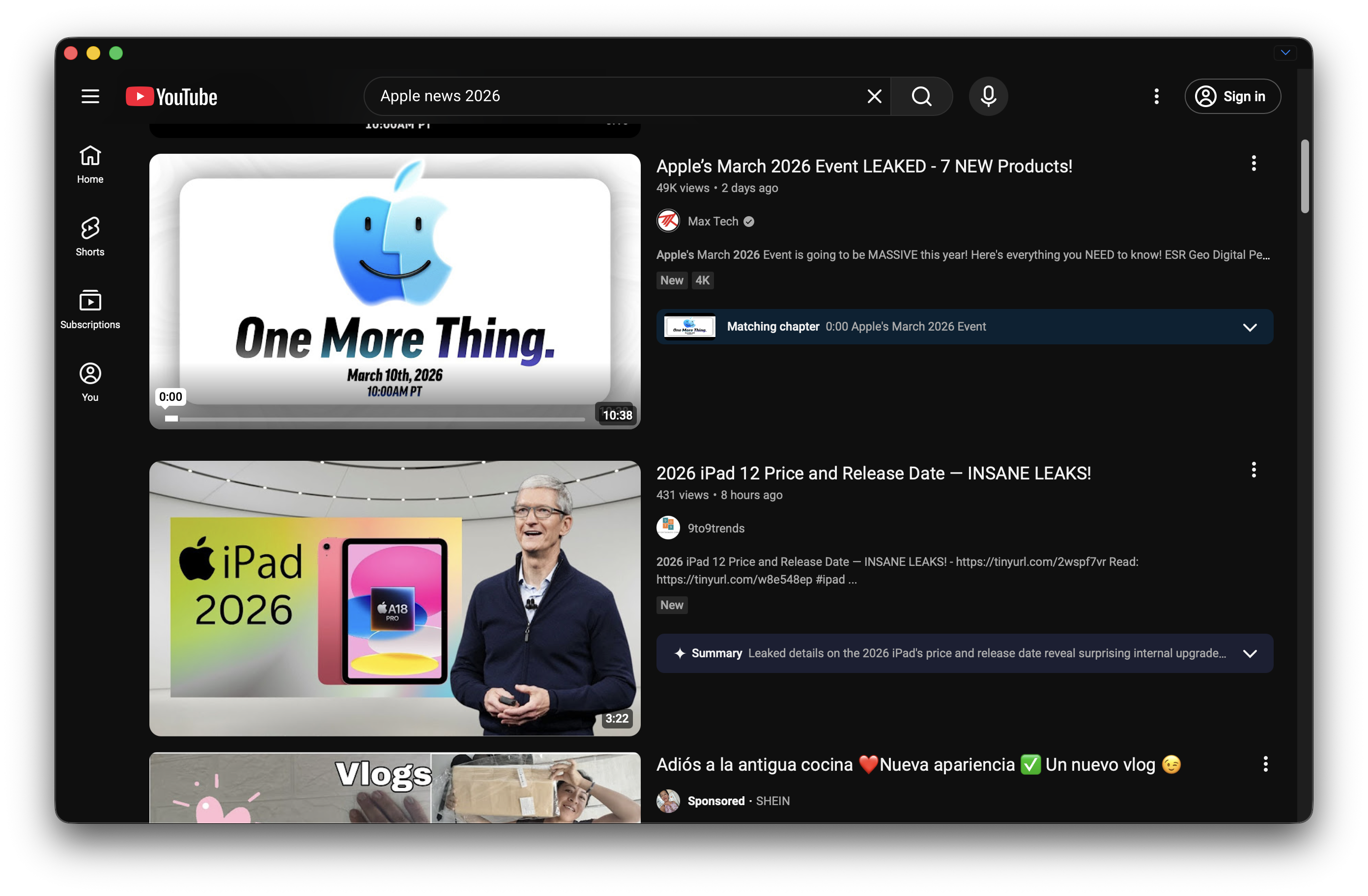

The web any way you want it.
Unite Pro lets you reshape any website into a calm, focused app by removing distractions, adjusting layout and appearance, or going deeper with custom scripts and styles when you need more control.


Apps that behave like real Mac apps.
Every Unite app adapts to macOS with smart toolbars, predictable window behavior, and appearance options that keep your workspace clean, focused, and unmistakably native.

Stay organized without thinking about it.
Unite Pro can keep each app’s tabs isolated and predictable, so important pages stay pinned, duplicates are avoided, and links always open where they make sense.


Native behavior beyond the browser.
Some websites become dramatically more useful when they integrate directly with macOS. Site Enhancements add native system capabilities to select services, turning everyday websites into tools that behave like real Mac apps.


AI Menu Bar Companions - AI, anywhere you need it.
Access ChatGPT, Claude, Gemini, or Grok through a floating overlay that appears anywhere in macOS, lets you ask a question, and disappears when you’re done—without switching apps or breaking focus.


Meeting Notifications - Never miss a meeting again.
Get system-wide meeting alerts from Google Calendar and Outlook, complete with one-click access to calls, so meetings start on time without searching for links.






Dock Badges - See what matters at a glance.
Unite Pro adds dock icon badges to supported services so you can spot new messages, tasks, or updates instantly—without keeping apps open or checking constantly.


Video Speed Controls - Take control of video playback.
Adjust playback speed on most video websites using precise keyboard shortcuts or on-screen controls, making tutorials, talks, and recordings easier to follow at your pace.
Thoughtfully Built, Everywhere It Matters.
Unite Pro includes a range of refinements and system-level features that make it feel polished, powerful, and unmistakably Mac-native—from creation to customization to everyday use.
Creation Tool Enhancements
The new Unite Pro creation tool goes beyond setup, making it easy to browse curated suggestions, search and filter your app library, edit or duplicate apps, and quickly see details like when an app was created or last used—all from one streamlined interface.

Built-in Password Manager
Unite Pro’s password manager improves security and adds a dedicated management view, stronger password generation, notes, and easy import and export from popular tools—so signing in is safer, faster, and more reliable.

Shortcut Manager
Search, view, and rebind virtually every keyboard shortcut across your Unite apps to match your muscle memory, including app actions, navigation, and enhancements—so Unite Pro works the way you do.

Built for macOS 26 Tahoe
Unite Pro features an all-new interface designed for macOS Tahoe, with refined system materials, beautiful light and dark mode, automatic color adaptation, and performance optimized for Apple silicon—so every app feels fast, current, and at home on your Mac.
.png)
It's the little things that add up:


It's not a close call.
Unlike Safari web apps and other competing apps, Unite gives you complete control, advanced features, and a seamless Mac-native experience for every app you create.

Unite Pro

Safari Add-to-Dock

Built for macOS 26 & Apple Silicon
Custom name, icon, and URL
-
Customize link behavior
Full data isolation, including Incognito tabs
-
Visual website customization and userscripts
-
Menu Bar and Sidebar apps
-
Custom bookmarks
-
Per-App Behavior & Appearance Control
-
Keyboard Shortcut Customization
-
Apps behave like an actual Mac app
-
Loved by thousands of Mac Users

"Unite for macOS is so much better than [macOS] Sonoma Web Apps."

"I am using Unite to separate 3 Figma workspaces so it's easily recognizable in the dock"

"Just installed an AI assistant in my macOS menu bar. Get Unite."


Get Unite Pro
The Best Way to Turn Websites into Mac Apps


Products


Learn
More
Retired Products

Copyright © 2026 BZG Apps LLC & Binyamin Goldman. All Rights Reserved.

bottom of page